page-banner-shape-1
page-banner-shape-2

Tutorials

Using The Slot Finder

Using The Find A Slot Utility

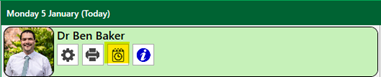
Use the Find a slot Utility to search for appointment availability. It is access from the following icon in the practice diary.

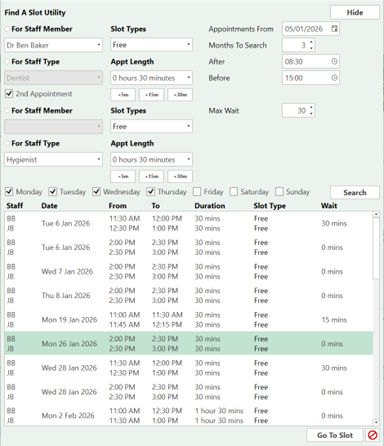
When you select this icon will open the find a slot utility.

You are able to search by Staff Member or Staff Type.

Select the Appointment length.

Choose how far to search and the date and time parameters.

In this example I am looking for two consecutive appointments with Ben Baker and the Hygienist.

The available time slots have been displayed.

Select the appropriate appointment and ‘go to slot’.

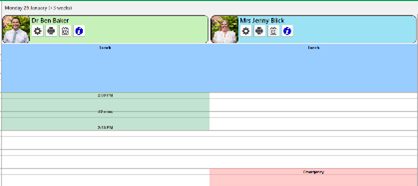
The time slot has now been highlighted for the appointment to be booked. As you can see in green.

Double click the start of the slot fill out the information and book the appointment.