To add a prescription:
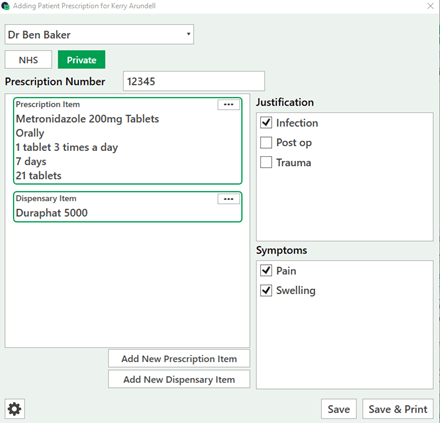
Click on 'Add New Prescription Item' or 'Add New Dispensary Item' > Select the item you are prescribing the patient > Select the save button.
This will add a new prescription for the patient.
Once the prescription has been added select the Prescriber, Justification, Symptoms and Prescription number (for NHS practices).
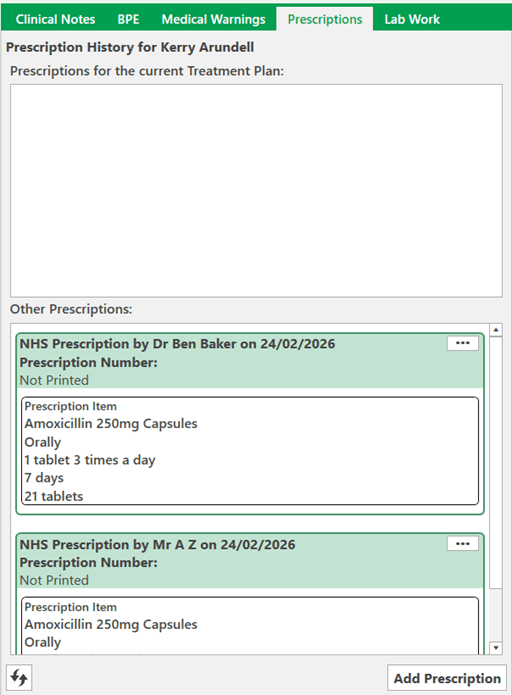
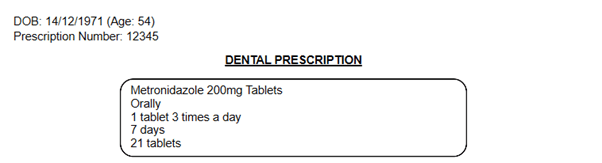
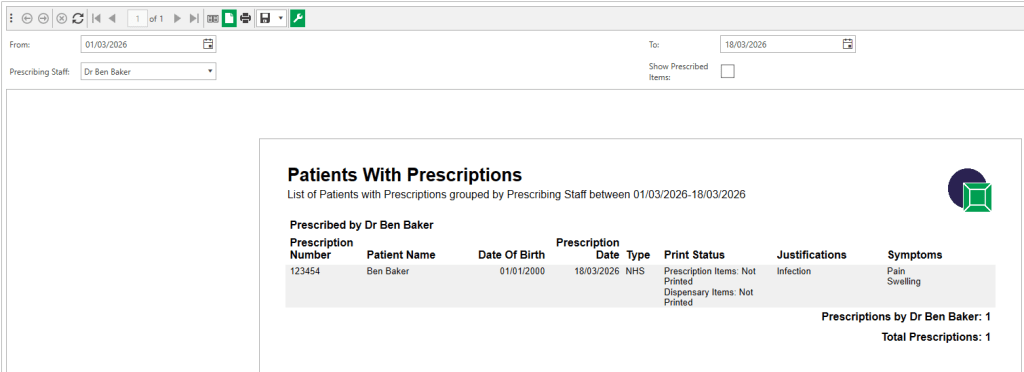
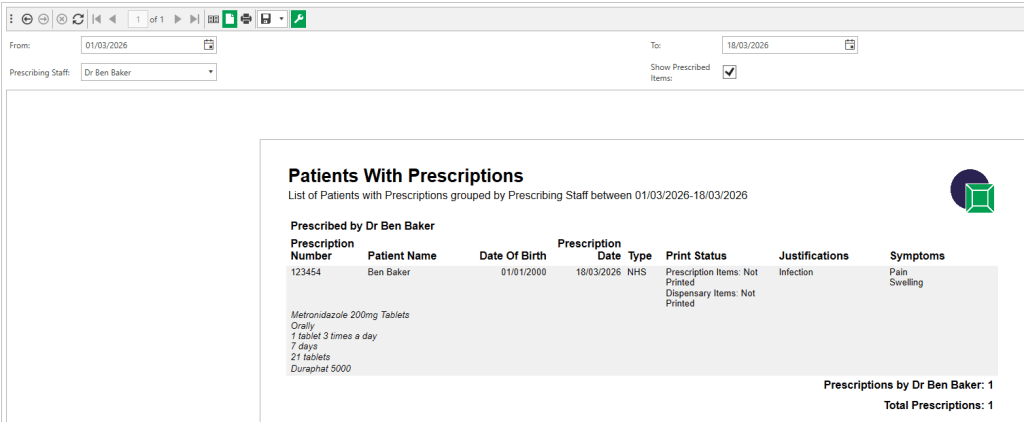
Finally select save or save and print and you will be able to see it in the prescription section.