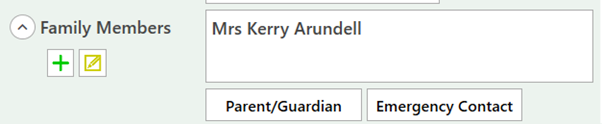
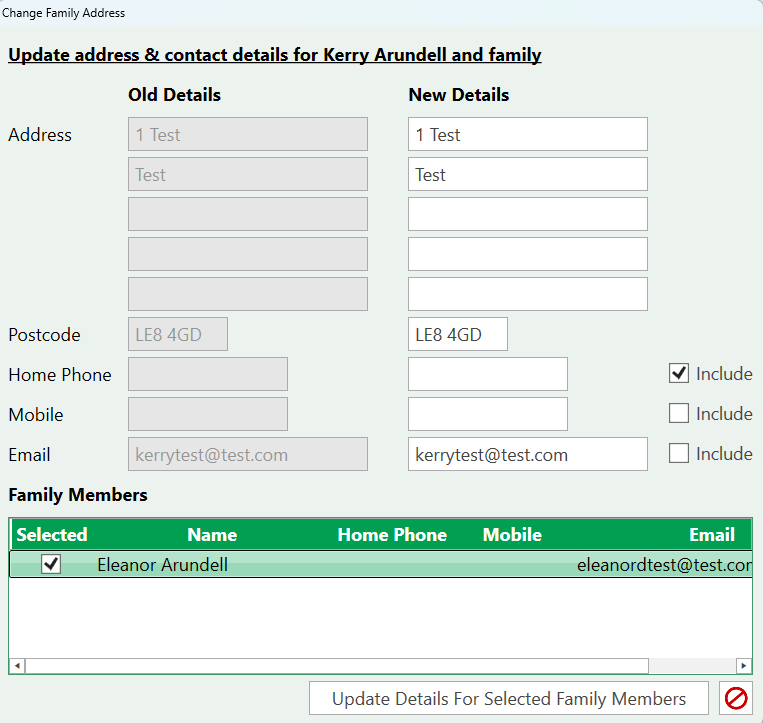
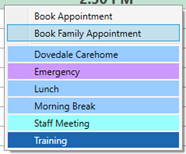
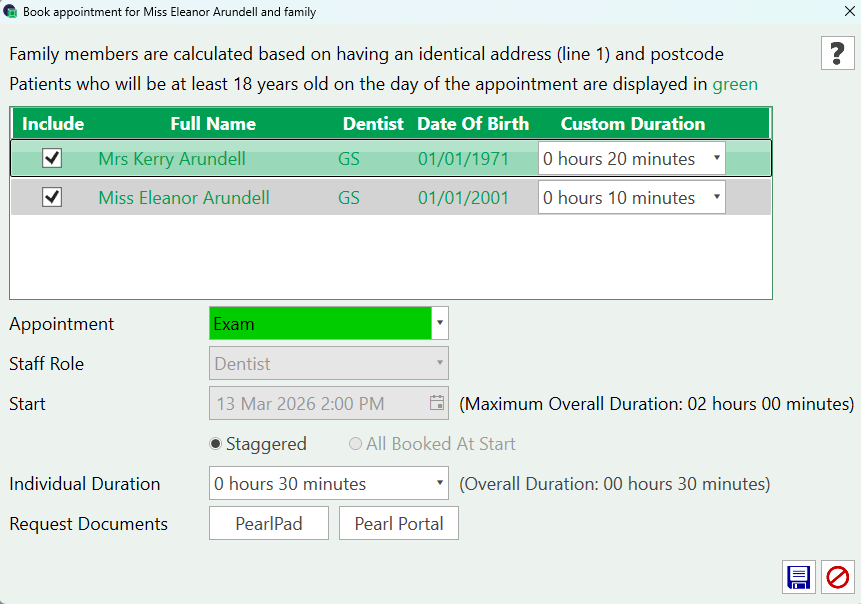
Family Appointments Pearl automatically links patients by address, new family members can also be added directly via the patient details tab The + icon will open a blank patient record to be completed for the new family member. The edit icon allows for global update of household addresses. Then making a family appointment, select the appointment slot, right-click and select the Book Family Appointment.This will open the Family Appointment options to select the attending patients, update the appointment details and request documents. Once confirmed, both patient appointments are booked.