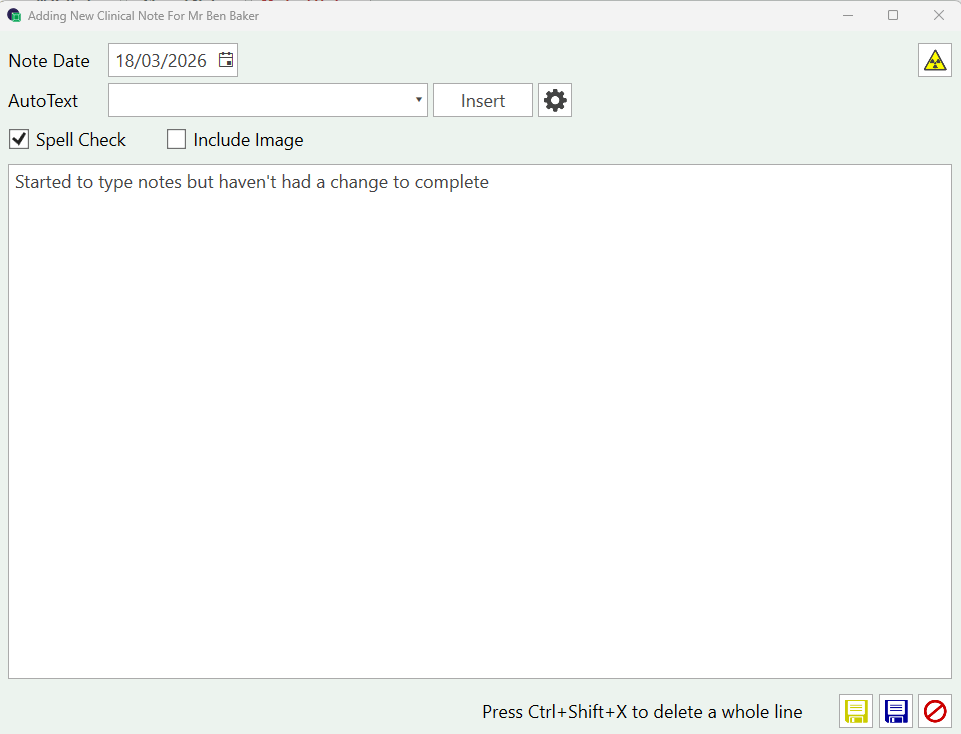
Draft Notes Draft notes can be turned on from Settings > Practice Settings > Save Draft Notes When typing clinical notes you will notice a new YELLOW save iconUse this if the notes are not complete, you wish to save as a draft and return later.The note will be saved in yellow to indicate it is a draft You can edit this note to complete the details. You can also see how many notes you have in ‘draft’ status from the icon at the top of the page. Double click to open the Draft report, click on '…' to open the record