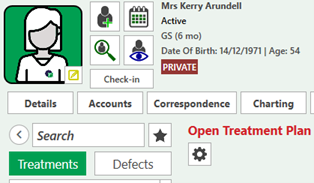
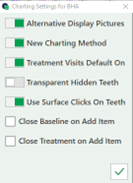
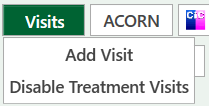
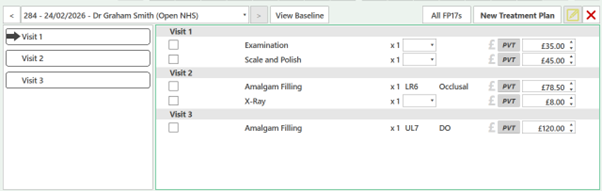
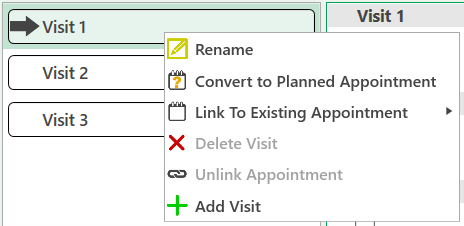
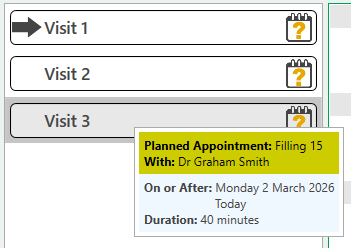
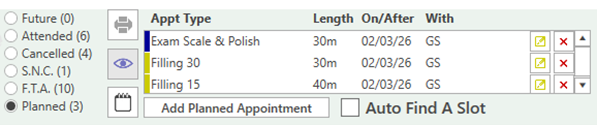
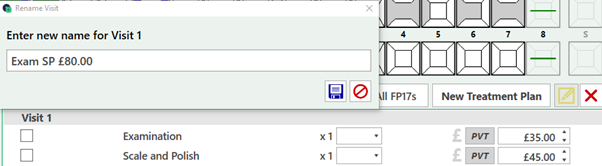
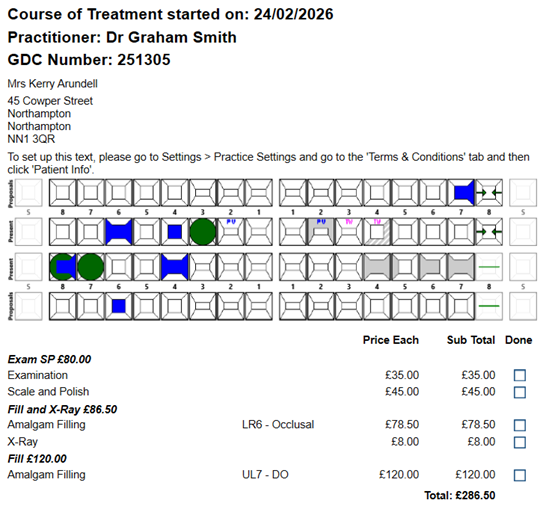
Enabling Treatment Visits Open the Charting tab > Select the cog icon in the top right of the treatment plan > Turn on "Treatment Visits Default on" Check the slider is set to on and confirm and save the changes Visits can also be added from the button as the bottom of the treatment area When visits are enabled, they will display in the treatment area, allowing for treatment to be dragged and dropped under a visit Right Click on the visits for further optionsFrom here we can convert to a planned appointment for reception to book The visits has been converted to a planned appointment it will display the ? iconHover over the visit to see the detailsThe visits will also be displayed in the patient appointments Rename the visit to add Appointment or payment information The information can also be seen on the patient estimate