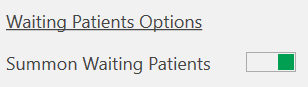
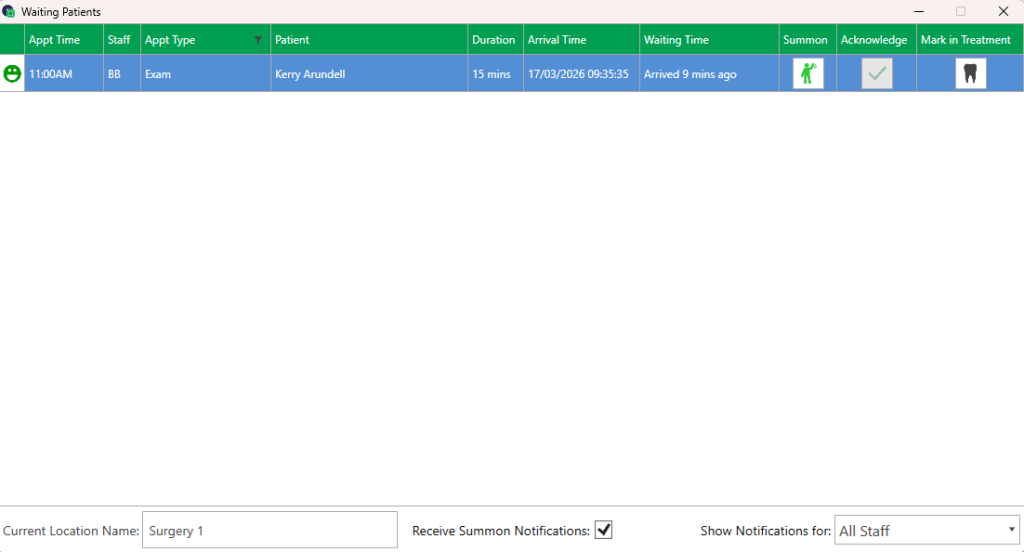
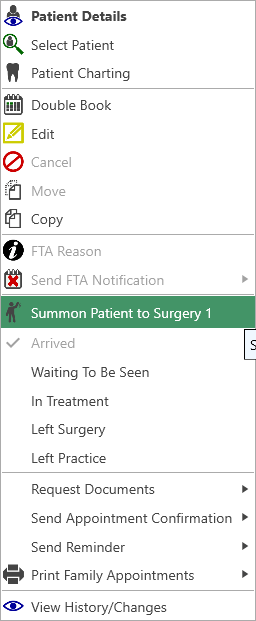
Summon Patients To set this up you need to go to: Settings > Practice Settings > Diary > Summon Waiting Patients – ensure this is on and your selection has been saved This will display a ‘Summons' Box at the top right-hand side of the screen Click on 'Summons' to see the Waiting Patients From here you can set the location and filter the notification by staff memberAnd summon the patient to the surgeryTo do this select the icon in the Summon column You can also summon a patient from the appointment in the diary and the right click menu options. The following notification will be displayed at reception, so the staff are aware of asking the patient to go through to Surgery 1 The patient can also be marked ‘In treatment’ from here which will update the patient status