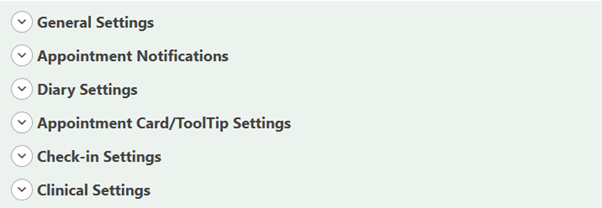
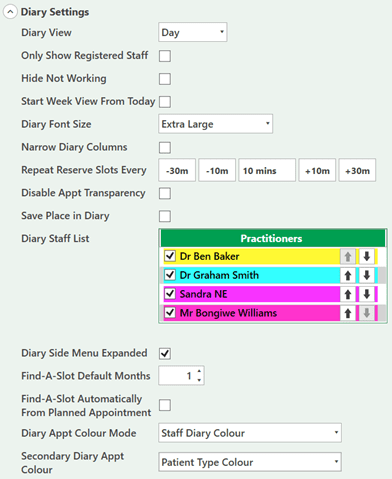
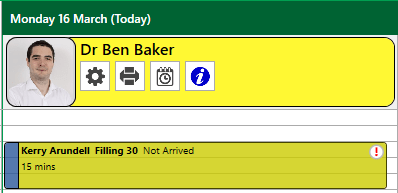
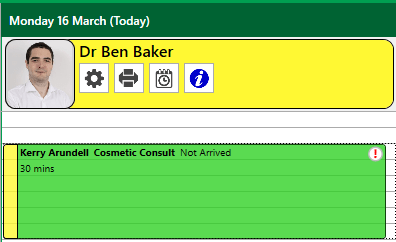
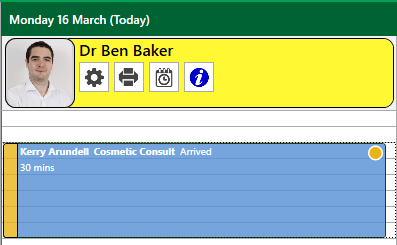
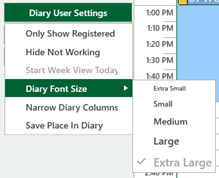
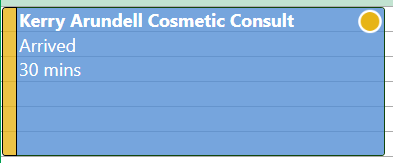
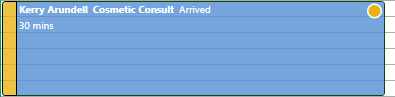
Appointment Block Colours You can change the appointment block colours from: User > My Settings This will show the areas of the software that can be viewed and changed, specific to the user, this is not a practice wide setting. Open Diary Settings to change the colour of the appointment blocks. Open Diary Settings to change the colour of the appointment blocks. This is showing the Staff Diary Colour and Patient Type colours. The vertical bar is the patient type, in this instance blue indicates NHS. This display matches the appointment block to the clinician’s diary. The vertical bar matches the staff colour. This display shows the appointment colourised by appointment type. e.g. Exams are green, fills are blue. The vertical bar displays the patient’s arrival status, in this example the status of an appointment arrived This display shows the appointment colourised by patient type (NHS). From the diary and ‘Diary User Settings’ you can change the font size of the diary