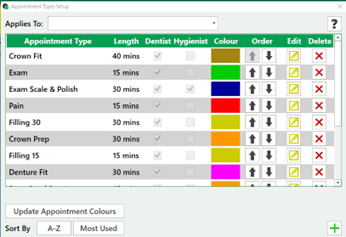
Settings > Appointments Setup > Appointment Type Setup
Select the + icon to add a new Appointment
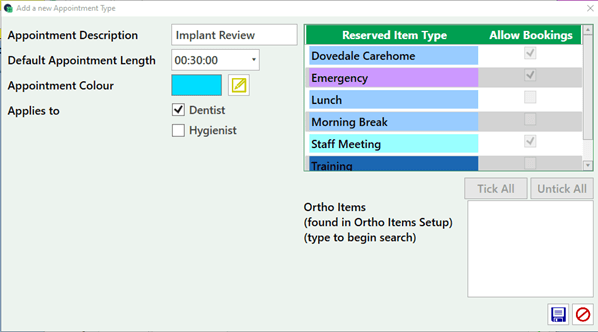
Enter the description, length and select the edit icon to select a colour. The appointment can also be set for a Dentist, Hygienist or both. Preventing incorrect appointment types being booked with the wrong staff member.
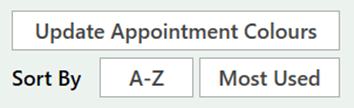
Once completed save and update appointment colours.
Sort by the way you want the appointments to display when booking from the diary.