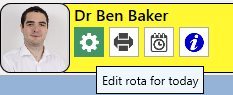
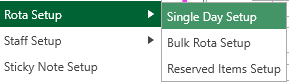
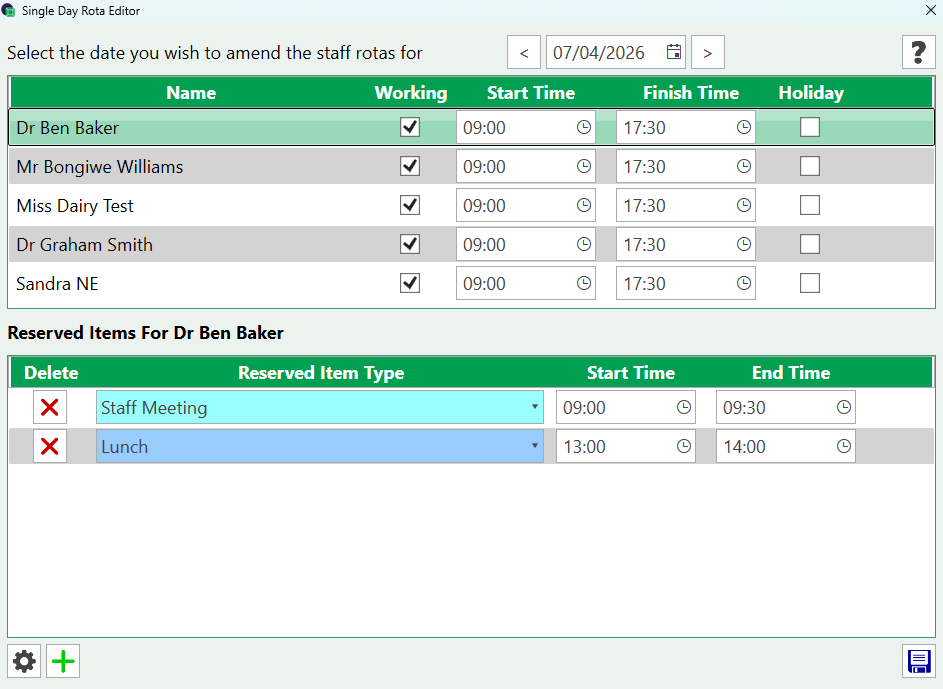
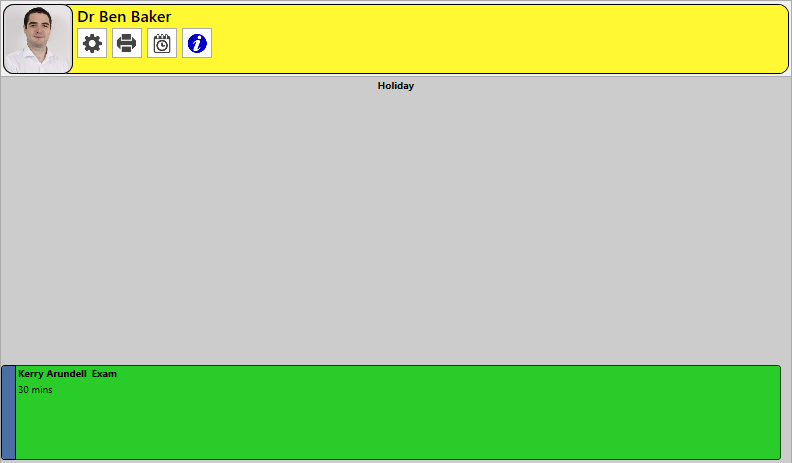
Single Day Rota Setup Access the settings cog from the clinician’s diary in the appointment book or alternatively go intoSettings > Rota Setup > Single Day Setup This will display the working times. Remove the tick from the ‘working’ column and select SAVE to mark them as not working. If this is a holiday date, select the tick in the holiday column and it will mark as holiday, it will update the diary as appropriate.Note: when patients are booked their appointment will remain so they can be contacted and rebooked.