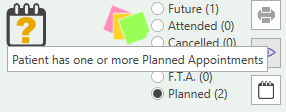
You can add a planned appointment by using the patient banner at the top of the screen. Assure you that the appointment display by ticking the "Planned" button. Once you have done that use the ‘Add Planned Appointment’.
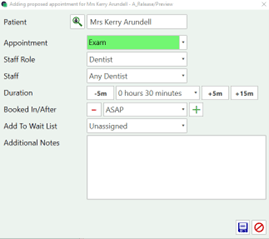
Once you have selected to add an appointment you can choose the type, duration, staff and other appointment details.
Save the appointment and it will display in planned appointments.
The question mark icon is also an indicator that the patient has planned appointment