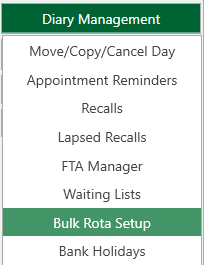
Access the ‘Bulk Rota Setup’ either from Diary Management in the appointment book OR ‘Settings and Bulk Rota Setup’
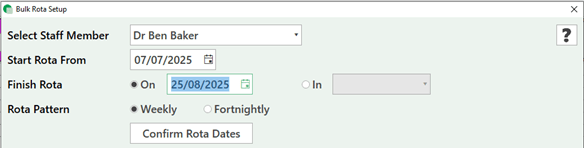
The following screen will open to select the staff member, start and end date of the rota (ensure you check the dates carefully)
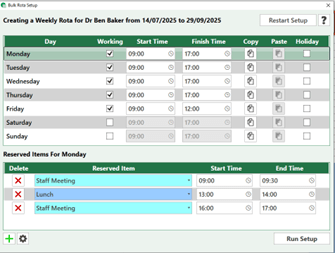
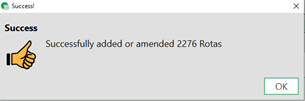
Once you have confirmed the dates the set-up screen will allow you to adjust days and dates, when you are happy with the selection press ‘Run Setup’ you will then be prompted to run the setup
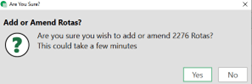
Once you have confirmed the dates the set-up screen will allow you to adjust days and dates, when you are happy with the selection press ‘Run Setup’ you will then be prompted to run the setup.
Make sure you are on a WORKING day when adding reserved items
Select the + icon and a reserved item will appear
Use the drop down to select lunch break etc
Any appointments booked during the time the book has been amended will remain in the appointment book to be re arranged.