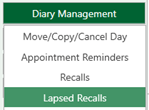
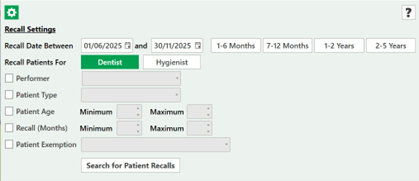
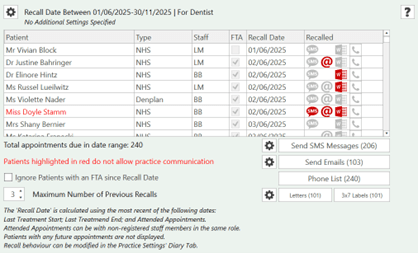
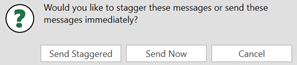
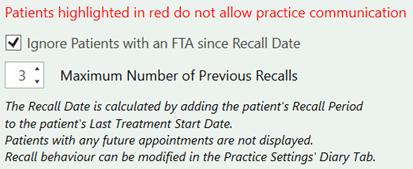
Sending Lapsed Recalls To access Recalls, open the practice diary > Open Diary Management > Select Lapsed Recalls When accessing the Recall list, you can select the following parameters. Date range / intervalClinicianPatient type/ageRecallExemption Once you have selected the required parameters select ‘Search for patient Recalls’ to generate the list There are 240 patients to be recalled206 of which have consented to SMS.Select the ‘Phone List’ and this will show all 115 patientsThere are 103 patients with valid email address and consentSelect to send the SMS messages and you will see the prompt to stagger or send Now The messages will then be sent, use the 'Phone List' to contact patients that have not consented or do not have SMS / email. Tick the ignore patients with an FTA since recall date to update your list will then notice that the number of reminders will go down.